Visual Identity
Templates
Templates make it much easier to communicate consistently across platforms - from web to print and social media. They ensure that content follows SDU's design guidelines and looks professional. On this page you can find templates and read how to use them correctly.
Templates
Templates in Word and PowerPoint are automatically loaded when the programmes are opened (Mac users should click the blue Templafy icon in the navigation bar).
If the templates do not load automatically, you will need your SDU login to log in to Templafy and download the templates.
Templates can also be downloaded through the browser version of Templafy at sdu.templafy.com.
Find din skabelon
-
-
-
-
-
-
-
-
-
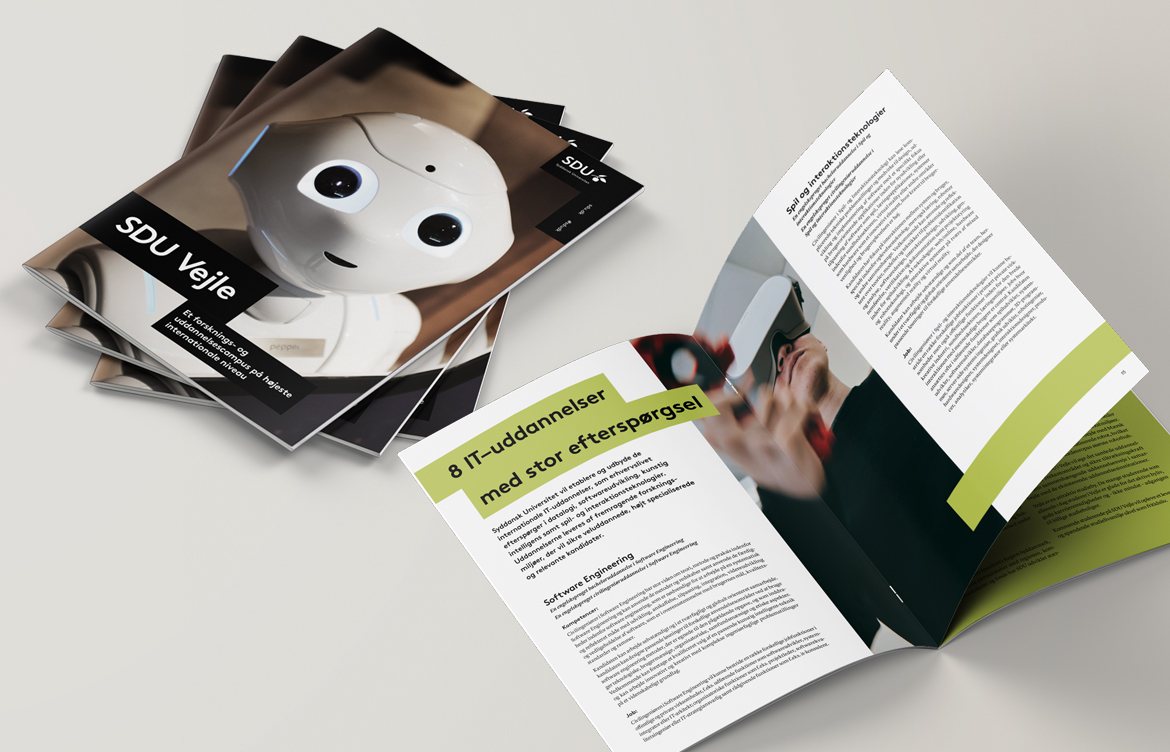
Below is an example of an A4 folder where the images used in these layouts are placeholders.
Use the layout type, colour and image that best suits your folder, within the framework of SDU's design guide. If you can't find a suitable image in good quality, choose a pure typographic solution, possibly with a letter from the "SDU Perspective" font.
-
-
-
-
-
Perspective grid
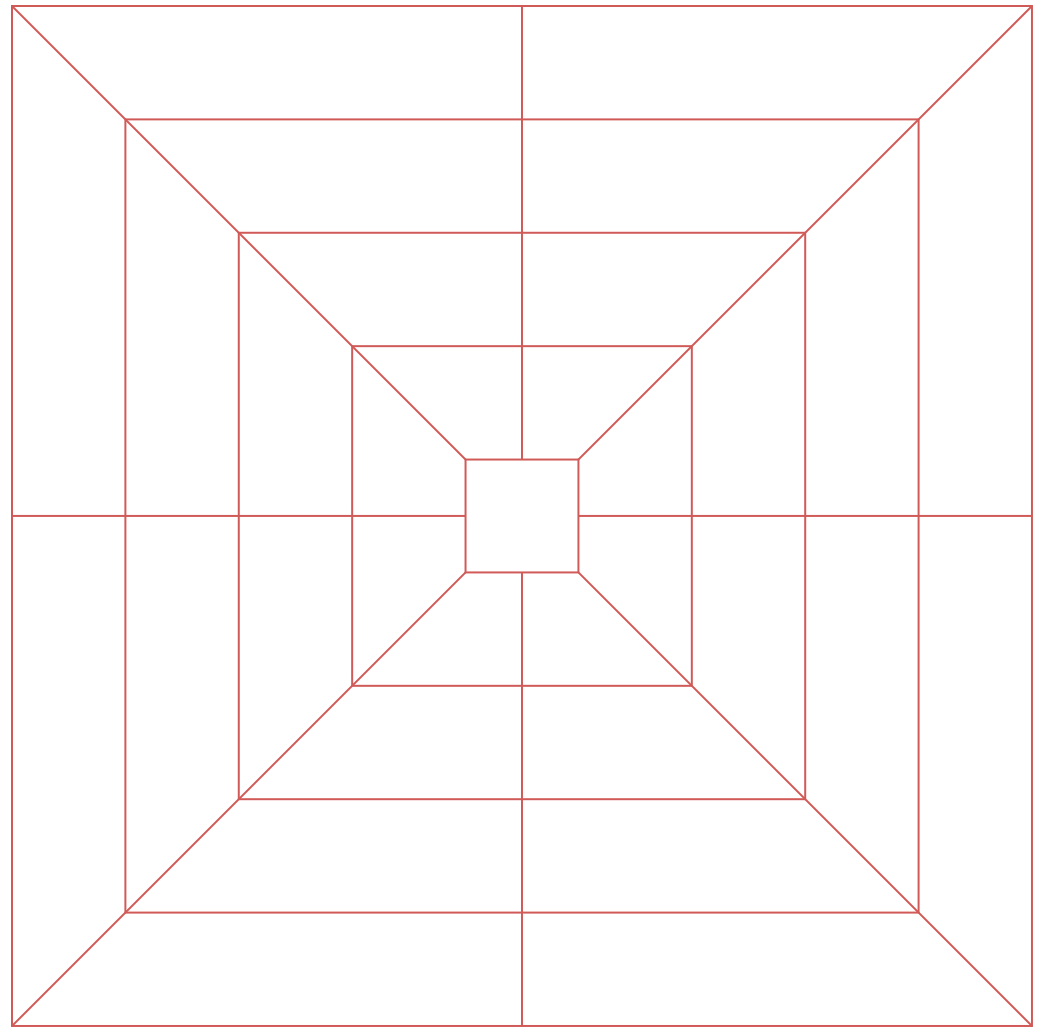
The perspective grid forms the visual basis for SDU's layout principles. It is designed to create both systematic and visual dynamics in SDU's communication materials. The grid is made up of five squares that symbolise the five faculties as the foundation stones.
The purpose of the grid is not to be a visible design element, but to act as an internal guideline that ensures consistency and coherence of expression. It should therefore only be used as an underlying tool in the design process and should never appear as a visible part of the final layout.
The grid helps you as a graphic designer and communications officer to place elements harmoniously and achieve visual balance.
Layout principles
A strong and simple layout is the foundation for a clear and recognisable visual expression. Try to work with a tight and simple layout where each element has a clear function and location. Air around elements creates calmness and strengthens the message.
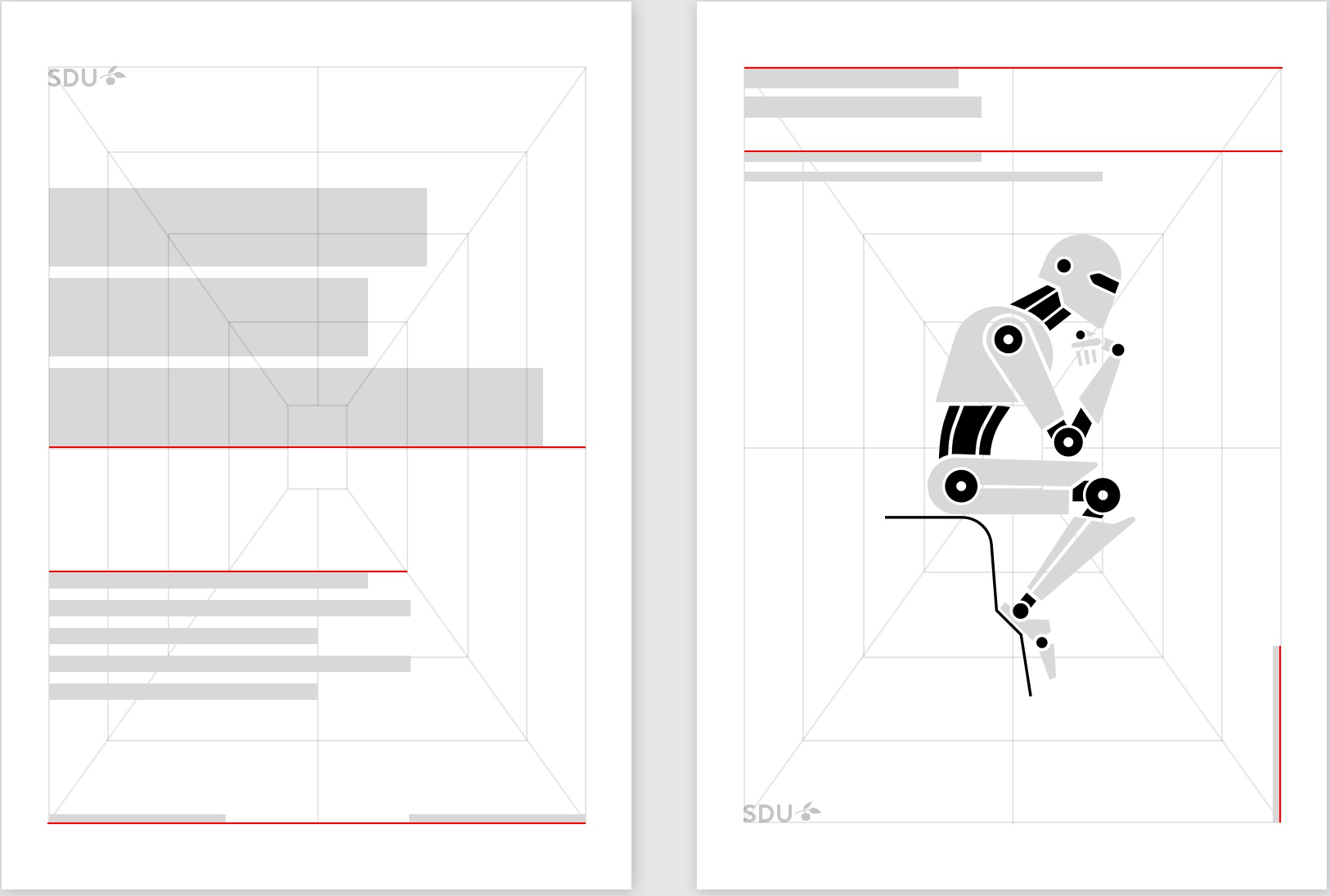
All graphic and textual elements are placed in the perspective grid, which provides flexibility when setting up text and images. Try to make the different elements fit with each other so that they are aligned and keep their edge.
Note: The perspective grid is only used as an internal guideline, it should not be visible in the final visual design.